

Five Useful Apps for New Parents
Last updated
Start with whatever would make this week easier. Use Huckleberry to log naps, Solid Starts when you're ready to introduce foods, the CDC Milestone Tracker to follow development, Peanut to meet other moms, or 23snaps to share baby photos privately with family. Each app serves a different purpose, so you can choose the one you need now.
Solid Starts for introducing food to your baby
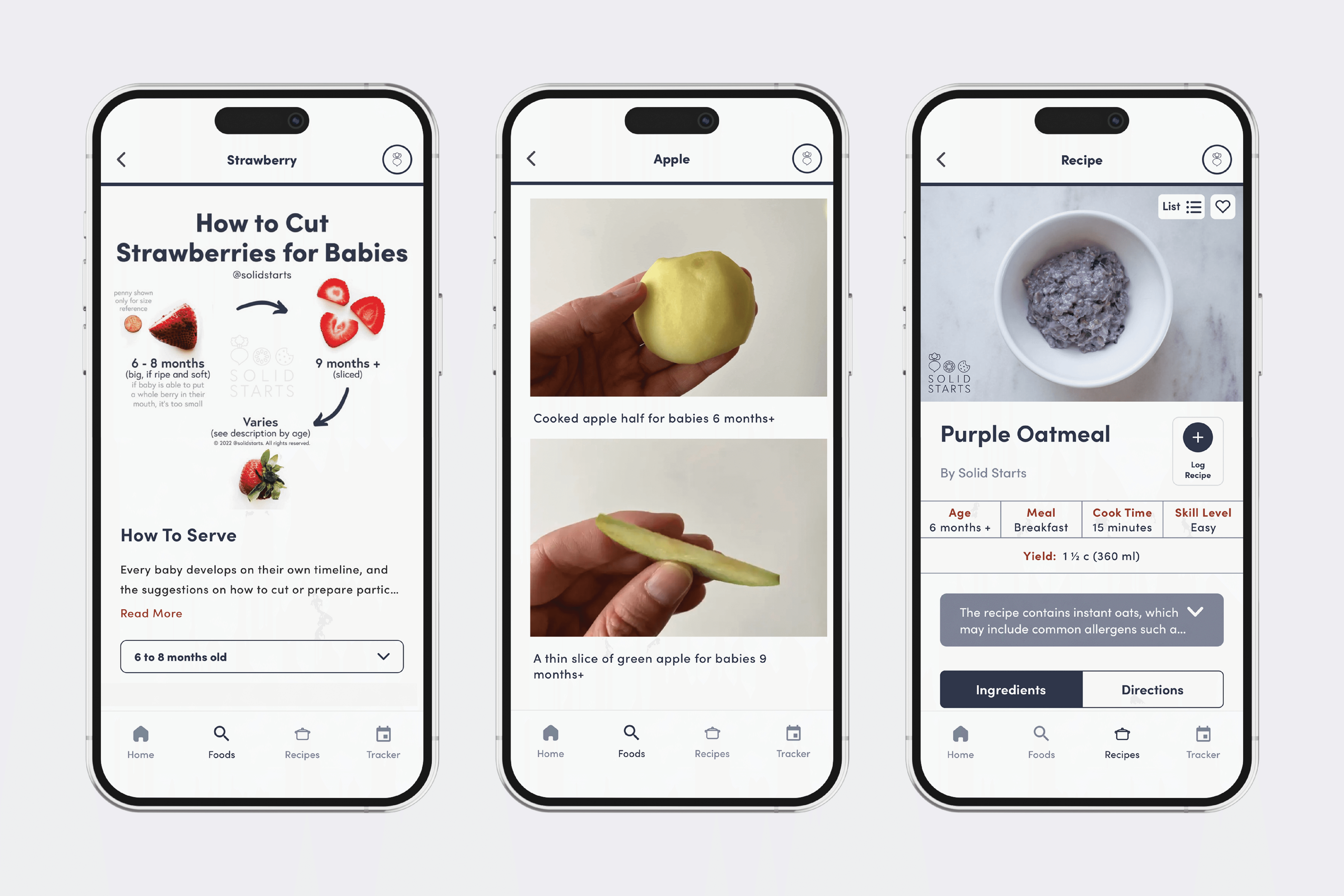
Solid Starts helps you look up foods and see how they can be prepared and served as your baby learns to eat. Its First Foods database includes guidance on common allergens, and the app offers meal planning and recipes. For general guidance on when and how to introduce foods, the CDC’s starting solids guide covers readiness, textures and allergens.
Peanut for meeting other moms

Peanut is a social app for women across stages including pregnancy and motherhood. You can look for local connections, chat with other moms and join conversations about what you’re going through. It’s a good starting point if you’re looking for a walking buddy or someone to compare notes with.
CDC Milestone Tracker for following development
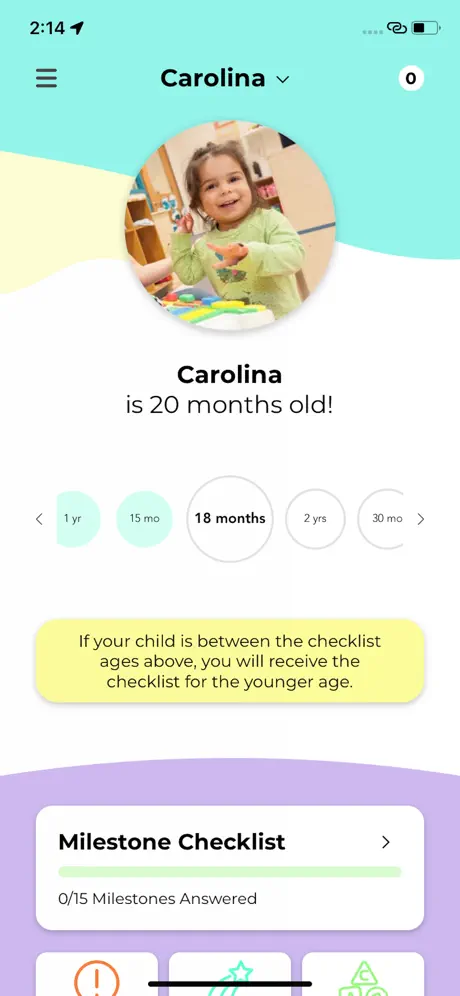
The free CDC Milestone Tracker includes illustrated checklists for children from two months to five years. Use it to note things you see your child doing and bring any questions to your next checkup. The app also explains when to talk to your child’s clinician about a developmental concern.
Huckleberry for tracking sleep
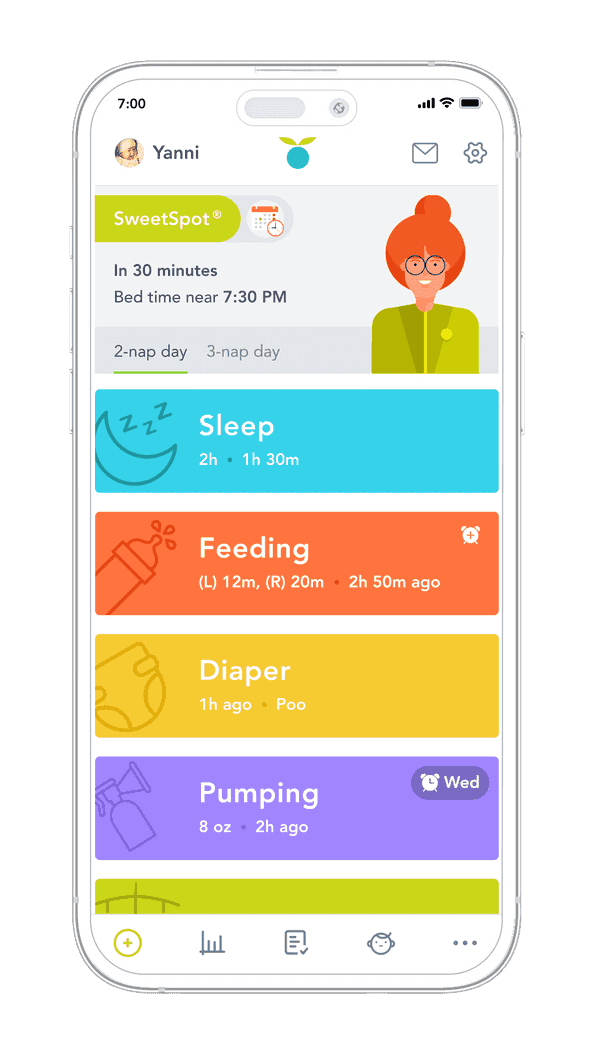
Huckleberry lets you log naps, bedtime and other routines. Caregivers who use the same account can see when the baby last napped. Its SweetSpot feature uses sleep logs to estimate the next nap or bedtime. It’s available from two months of age with Huckleberry Plus or Premium.
23snaps for sharing baby photos privately
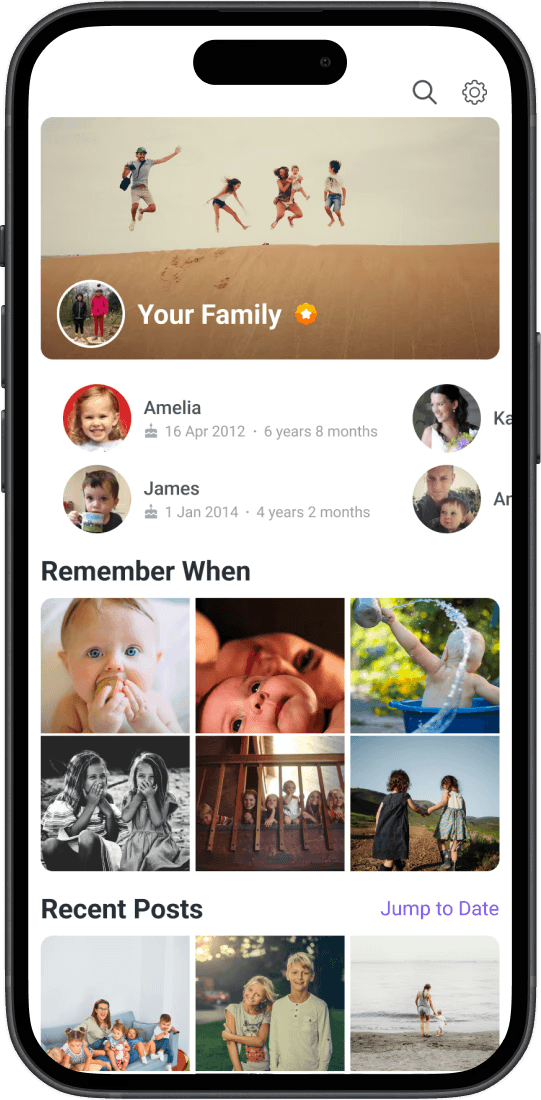
23snaps is our private, ad-free family sharing app. You can post photos, videos and everyday updates for the family and friends you choose to connect with. Over time, those posts become a family timeline you can revisit. We don’t sell your data or share it with ad networks. See our guide to safely sharing baby photos for help choosing who to invite.
How to choose your first parenting app
Pick the job you repeat most often. If both caregivers need to see when the baby last slept, try a shared sleep log. If relatives keep asking for photos, start with a private family space. For a family split across devices, see our guide to private sharing on iPhone and Android.
FAQs
Which app can I start using with a newborn?
Huckleberry offers basic logging for newborn routines such as feeds, sleep and diaper changes. You can use 23snaps from the first family photo you want to share. If you're comparing the two, start with whichever job you need help with most.
Do I need to pay for a useful parenting app?
The CDC Milestone Tracker is free, and Huckleberry includes basic tracking in its free plan. Check whether the particular feature you want is free before subscribing. For example, Huckleberry’s SweetSpot predictions require Plus or Premium.